Use yourin Finder
 Download for Mac
Free · macOS 26 Tahoe or later
On a phone? Open phonemount.app on your Mac to install
 Download for Mac
Free · macOS 26 Tahoe or later
On a phone? Open phonemount.app on your Mac to install
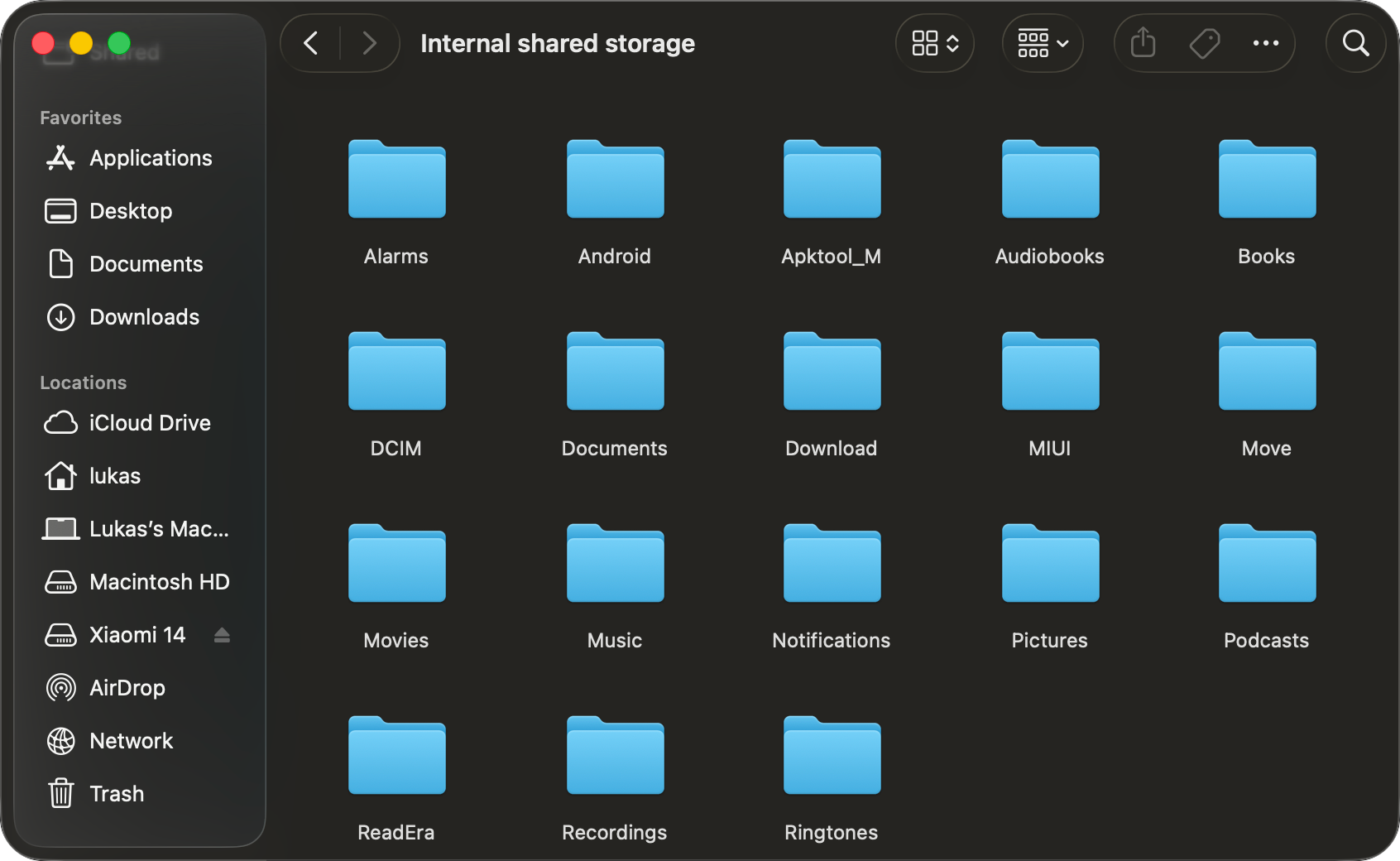
Under Locations, with an eject button, like a USB drive
Play a video or open a photo straight from the device, no copying first
Copy files to and from the device like any other folder
Camera folders with thousands of photos open in seconds
Android tablets, Kindles, Nintendo Switch, Meta Quest headsets, Garmin watches and MP3 players. Nothing to install on the device
Files go over the cable and nowhere else. No account, no analytics
Takes 2 minutes
Open the download, drag PhoneMount into Applications and open it. It lives in the menu bar.

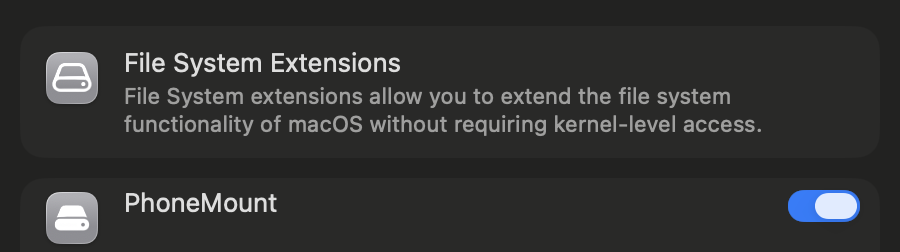
macOS needs your OK once. PhoneMount opens the right page in System Settings, where you switch it on.
Connect it to your Mac with a USB cable and unlock it. Then pick File transfer:
Open photos and videos straight from it, or drag files in and out. When you are done, just unplug it. If Finder is still copying, let it finish first.
Free
EUR 0
No licence needed
Licence
EUR 14.99 lifetime
One payment, tax included
Sold through Link (by Stripe), so card statements show LINK.COM* VORASDIGITAL. Voras Digital is the company that makes PhoneMount. If PhoneMount does not work with your device, email [email protected] within 14 days for a full refund.